Google Forms or a Ticket Page? Choosing a Sign-Up Tool for Small Events
For a small event, a Google Form feels like the obvious choice: it's free, quick and everyone knows it. Sometimes it's the right one. But once you need limited seats, payments or check-in, the work moves from the form to you.
When a Google Form is enough
Google Forms is excellent for collecting information. It's a good fit when:
- the event is free and has no seat limit,
- you just need a headcount, like "Who's coming to the meeting?",
- you want to ask many questions, such as a long application or survey, or
- attendance is informal and nobody checks names at the door.
If that describes your event, use a form. It's hard to beat for simple sign-ups.
Where forms start to struggle
Limited seats
Forms don't count seats on their own. If your workshop has 25 places, you have to watch the responses and close the form by hand when it's full, or use an add-on. Close it too late and you have 31 people for 25 chairs. If you have several sessions or ticket types, each with its own limit, it gets harder still.
Payments
A form can ask "Have you paid?" and collect an uploaded screenshot, but it can't tell you whether the payment actually arrived. You end up comparing a spreadsheet of form answers with your e-wallet history, row by row, and updating a "Paid" column by hand. People who sign up but never pay still hold a seat until you remove them.
Confirmations and tickets
Google Forms can email a copy of the responses, but it doesn't give the attendee a ticket. People message you to ask whether they're registered, and on the day, you check names against a printed list.
Check-in
At the door, a long printed list is slow. Two people with the same name, guests who registered under a nickname, or someone who forwards their confirmation to a friend all cause delays and arguments.
Looking official
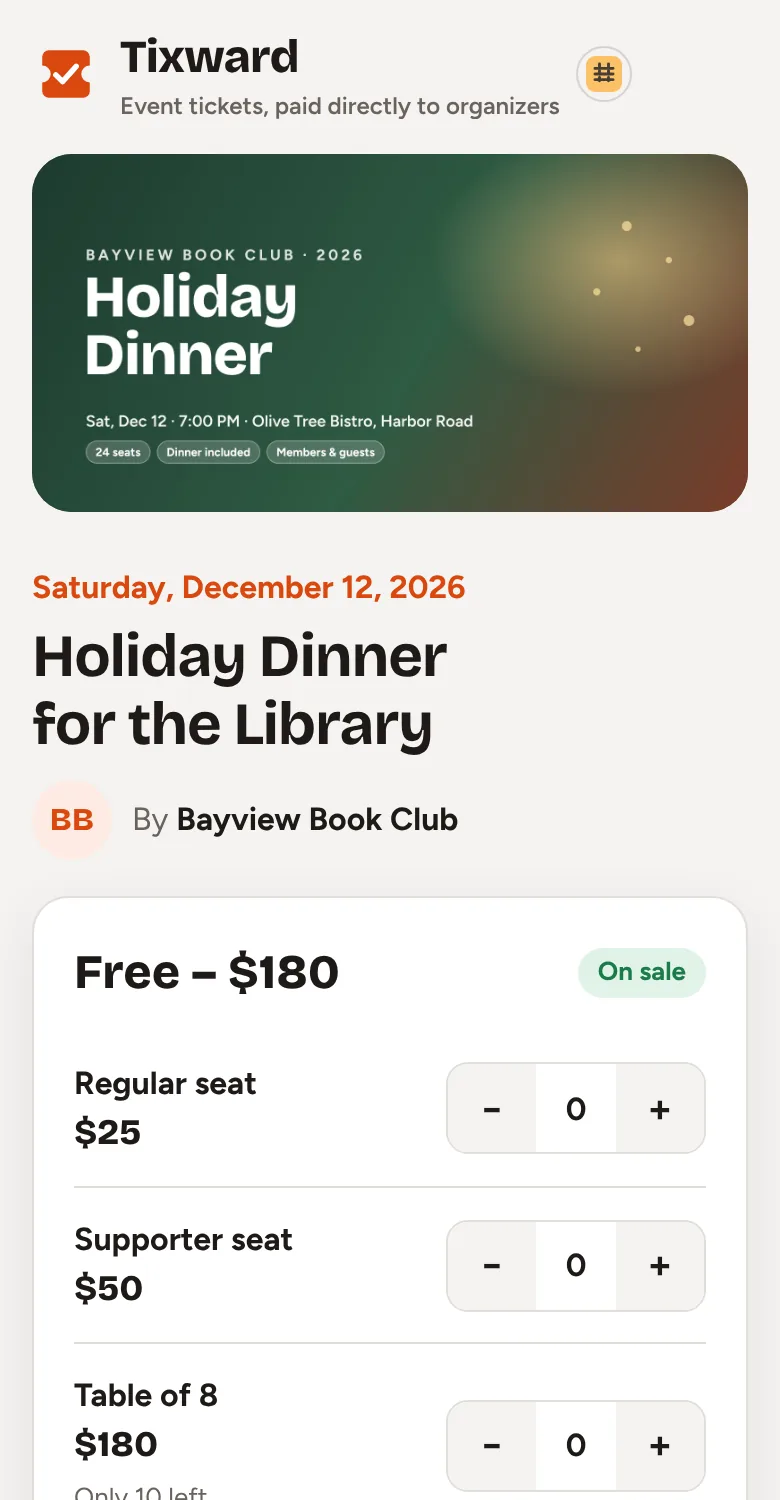
A form is a list of questions. It doesn't look like an event. For a seminar, concert or reunion, a proper page with a cover image, date, venue map and organizer name gives people more confidence to sign up and pay.
What a ticket or registration page adds
- Automatic limits. Each ticket type or session has its own number of seats, and sales stop when it's full.
- Payment tracking. Each order shows whether it's paid, waiting for review or expired.
- Tickets. Every attendee gets a QR ticket or code, so they know they're registered.
- Fast check-in. Staff scan tickets on their phones, and each ticket works only once.
- Ready-made lists. Attendee lists, sign-in sheets and exports without manual sorting.
Comparing the two
| Google Forms | Ticket page | |
|---|---|---|
| Free events, no limit | Great | Good |
| Long questionnaires | Great | A few questions |
| Seat limits per session or type | Manual | Automatic |
| Checking payments | Manual, in a spreadsheet | Built in |
| Tickets for attendees | No | Yes |
| Door check-in | Printed list | Scan on any phone |
| Looks like an event | Basic | Yes |
What about cost?
Google Forms is free. Many ticket platforms charge a fee per ticket, which is why small organizers often stick with forms. But there are ticket pages that are free for small events too. Tixward, which we make, is free for events with up to 300 paid tickets, and free tickets are always free. Buyers pay you directly by e-wallet, bank, card link or cash, so there's no cut of your ticket money.
Choosing for your event
Ask yourself three questions:
- Is there a limit on seats or slots? If yes, a ticket page saves you from overbooking.
- Are people paying? If yes, a ticket page saves hours of matching payments.
- Will someone check names at the door? If yes, QR tickets make the line move faster.
If you answered no to all three, a form is perfect. If you answered yes to even one, try a ticket page for your next event and compare the time you spend. Small events deserve to feel organized too.
Related: How to sell event tickets when buyers pay you directly.
Spotted a mistake or have a tip to add? Email [email protected]. We update our guides when tools and settings change.